


Smart Monitor
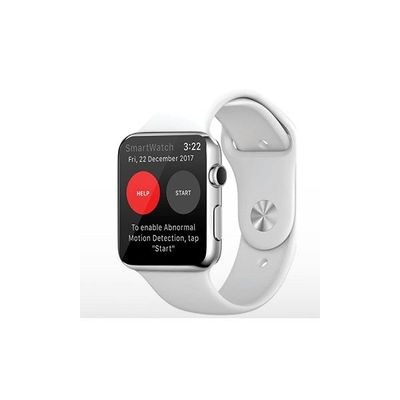
Inspyre - Support for the Apple Watch
FromSmart Monitor
Pairing the Apple Watch and Inspyre app. Make sure your Apple Watch is paired correctly with your iphone in the Apple Watch App. If you are receiving a “Connection failed” error, make sure the Inspyre app is installed and open on your watch and your phone at the same time. Force close both apps and then open the app on your iPhone first, then your Apple Watch. If you still can’t connect, restart your devices and open the Inspyre app on both your devices again.
Most popular related searches
Logging In
App Functions
- Press start to ensure that app is monitoring for abnormal motion
- Question about text/call alerts from the Inspyre app?
- Tips for settings in the Inspyre app
Troubleshooting
- Is your watch disconnected?
- For additional information about the Inspyre app, please review the user guide
- More questions?
Access To The User Portal
Account Changes And Billing